


Scoreboard Live
Tournaments Big screen Help
Log in
  • SprÃ¥k svenska
  • Language english

Documentation & help

  • How Scoreboard Live is organised
  • Password and login
  • Create and set up a tournament
  • Run a cup (individual players)
  • Team competitions, tables and cups
  • Venues, courts and assigning matches
  • Change match order for a series match
  • Introduction
  • Submitting your line-up (team leaders)
  • Approving and managing links
  • Setting up the tournament
  • Introduction
  • Download Scoreboard Connect
  • Setting up the Tournament Planner app
  • Setting up the Scoreboard Connect app
  • Uploading a tournament
  • Syncing courts
  • Automatic match updates
  • Installation & activation
  • Load a match
  • Score a match
  • Overview
  • Sponsor images and other screensaver content
  • Settings
  • Changelog

Change match order

In a team competition you can change the order the matches are played in. Click and hold a match in the list, drag it up or down, and a blue line shows where it will land. Drop it there to set the new order.
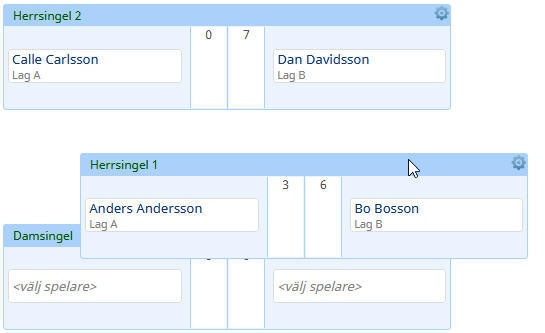
Picture of a match being dragged to a new position